Discover movies and TV shows
Browse entertainment in one place and move easily between movies and series. Whether you know exactly what you want or feel like exploring, ZuvoTV makes it simple to find something worth watching.
ZuvoTV is a video streaming app for movies and TV shows. Explore titles, search for what you want to watch, save your favorites, pick up from your watch history, and enjoy a viewing experience built around the way you stream.
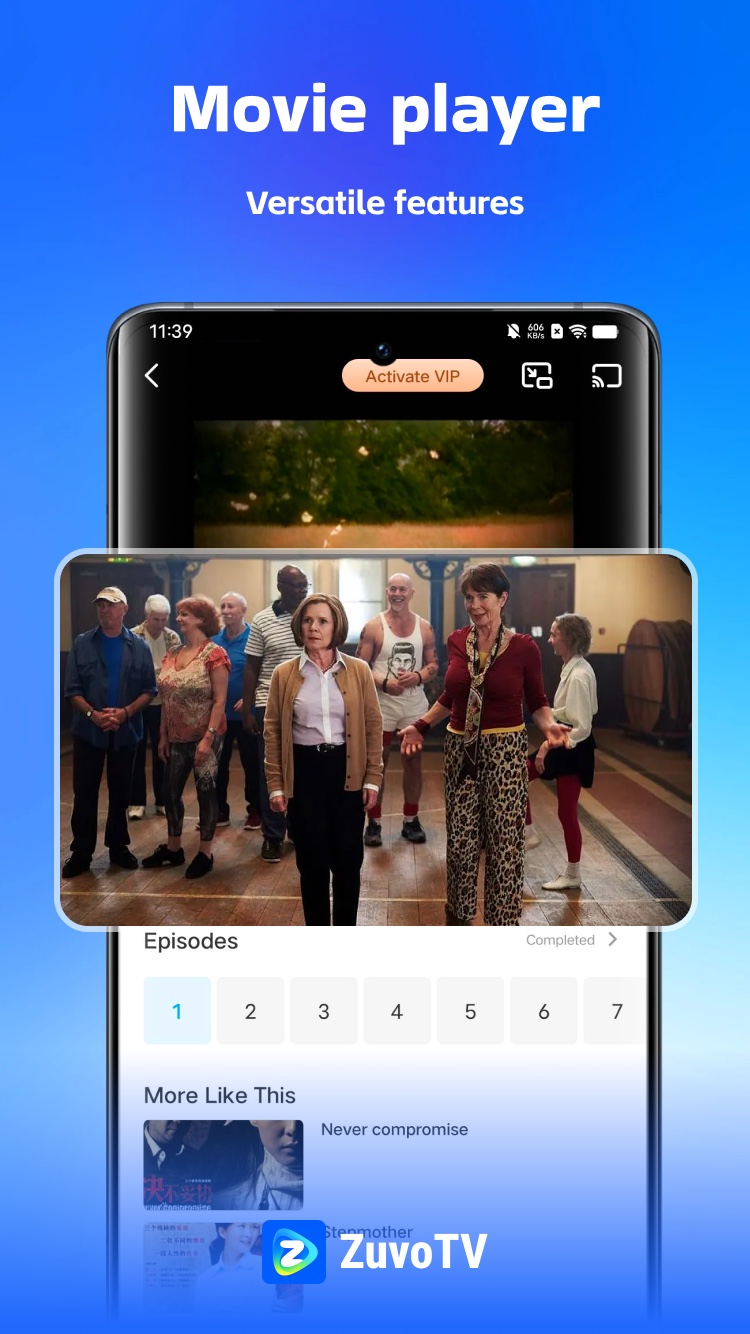
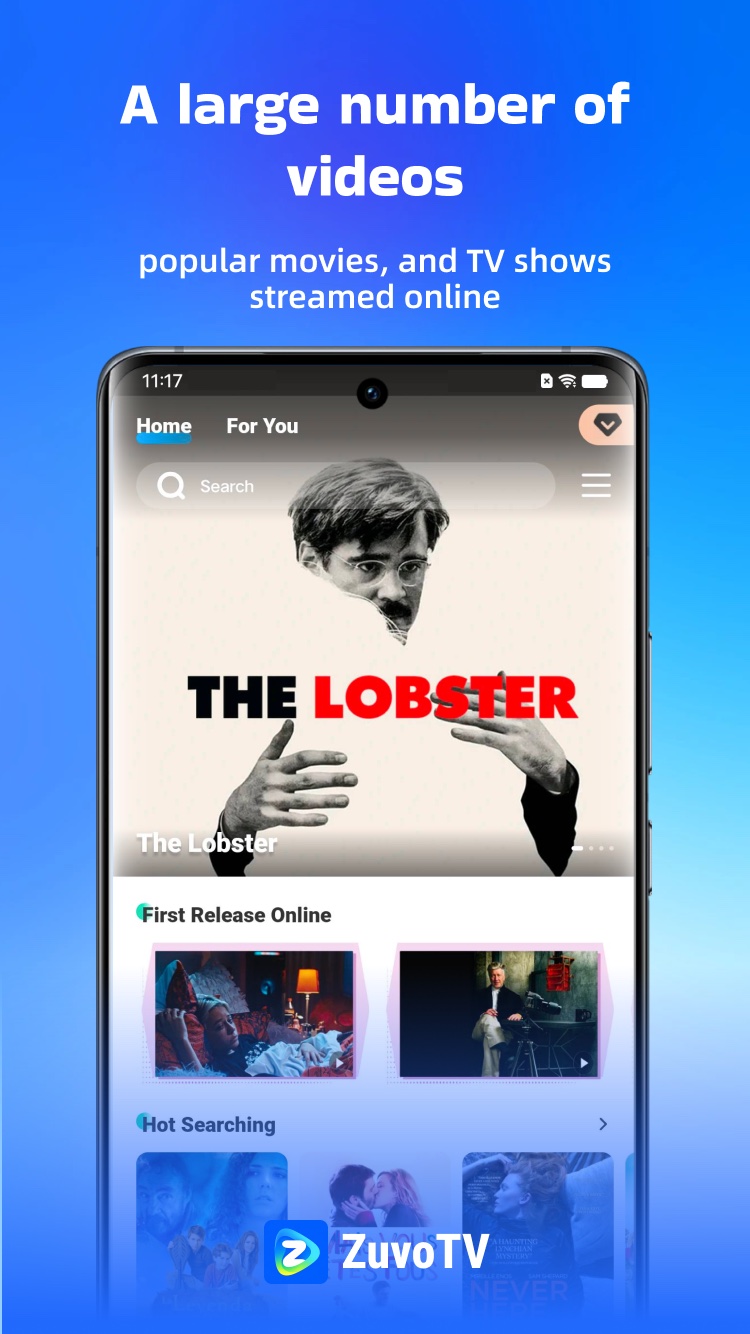
Built around the way you stream — from finding a title to enjoying it on the big screen.
Browse entertainment in one place and move easily between movies and series. Whether you know exactly what you want or feel like exploring, ZuvoTV makes it simple to find something worth watching.
Look up movies and TV shows quickly. Spend less time searching and more time watching.
Keep the titles that catch your eye close at hand. Add movies and shows to Favorites so you can return to them whenever you’re ready.
Use your watch history to revisit recently watched titles without starting your search over.
Follow every scene with subtitle support for a more flexible viewing experience.
Take entertainment beyond your phone by casting supported content to your TV. Settle in and enjoy movies and episodes on a larger screen.
Select the video quality that works for your connection and viewing preferences.
Clean, focused screens that keep the spotlight on what you’re watching.
Popular movies and TV shows, streamed online.
Versatile features for every episode.
Experience stunning 1080P resolution.
Binge a series or settle in for a film.
Tap any screen to view it larger

A simple, streamlined viewing experience with the features that matter most.
Sign in with Google is one of the ways to sign in to ZuvoTV, alongside your phone number or email. It does exactly the same job: it creates your ZuvoTV account or signs you in to it.
Only your basic Google profile: your name, email address, and profile picture (the openid, email, and profile scopes). Nothing else in your Google account.
Only to create your ZuvoTV account and sign you in. Once you’re signed in, your account works the same as one created with a phone number or email.
We never sell your Google data or use it for ads, and we never use Google APIs to create or edit images or videos, including AI-generated content.
Delete your account at any time in the App (Me → Settings → Delete Account), or revoke ZuvoTV’s access from your Google Account settings.

ZuvoTV helps you find, save, and watch entertainment with less friction.